Discord PC Controller
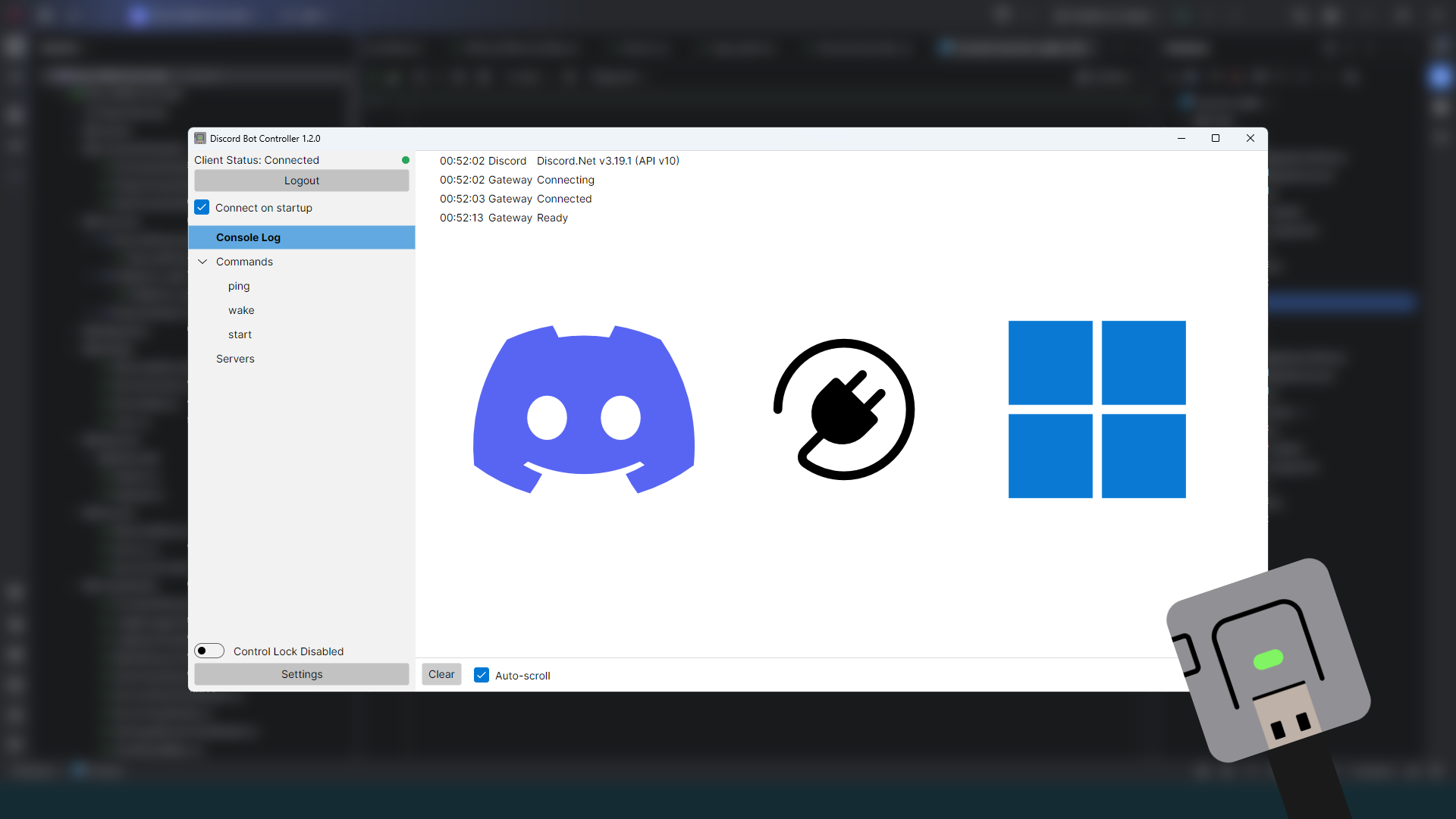
Over 2 years ago, I made a Discord chatbot that runs on a microcontroller to remote-start my PC. I always had the idea to expand it to run tasks on my PC, and last year, I made a companion app that runs as a background service on my PC to do so.
Software Design and Requirements Gathering
I sank my teeth back into the C# .NET platform, and chose Avalonia UI for my frontend, but burnt out trying to create a database and a complex user interface to manage my bot’s chat commands. But here, I learnt to ask myself, “What was the actual problem to solve?”
My background service had one practical goal: To start a Minecraft server remotely. Focusing on this helped me to greatly narrow my scope.
- A database of commands? Replaced it with a simple list view. I just needed to know they existed.
- Editable command data? I rarely update commands, so was not worth the effort to create a screen of editable fields and data-bind it.
- Configurable server parameters? I didn’t move the folder in years, so it’s stored as a string.
- Distinguishing multiple servers? I only had one.
And just like that, the need to learn, scaffold and build all these surrounding features suddenly vanished. Within a week of that epiphany, I had my app. It’s ugly, but it worked, and I learnt a valuable lesson about managing requirements. And true to my discoveries, I did not have a need to revisit the code for a very long time.
To quote Todd Howard, “It just works.”
Talking to Minecraft a.k.a. the Server List Ping
It was easy to determine when a server was started through code by checking if the process started successfully. But how do you check if the server is actually ready to connect? Well, with Minecraft, I could just do what every copy of the game normally does; ping the server.
The Minecraft Wiki page does a very good job of breaking down the TCP protocol used by Minecraft: Java Edition. But just how do I actually create a network packet, let alone send it? So here was where I began to explore the C# Sockets namespace for answers. I started to learn the differences in computer and networking data, piecing together my own version of a packet builder and payload reader. I’d like to thank GitHub user csh for his implementation of the Server List Ping protocol, it helped me gain several key insights into the workings of a Variable-Length Integer. I also learnt how to use WireShark to actually debug and troubleshoot issues with my packets when the server refused to respond.
Once the packet was sent and the response decoded, it was rather simple to filter and use the information to not only indicate the server’s online status, but to also show the number of players in the bot’s Discord status.
Making it Last
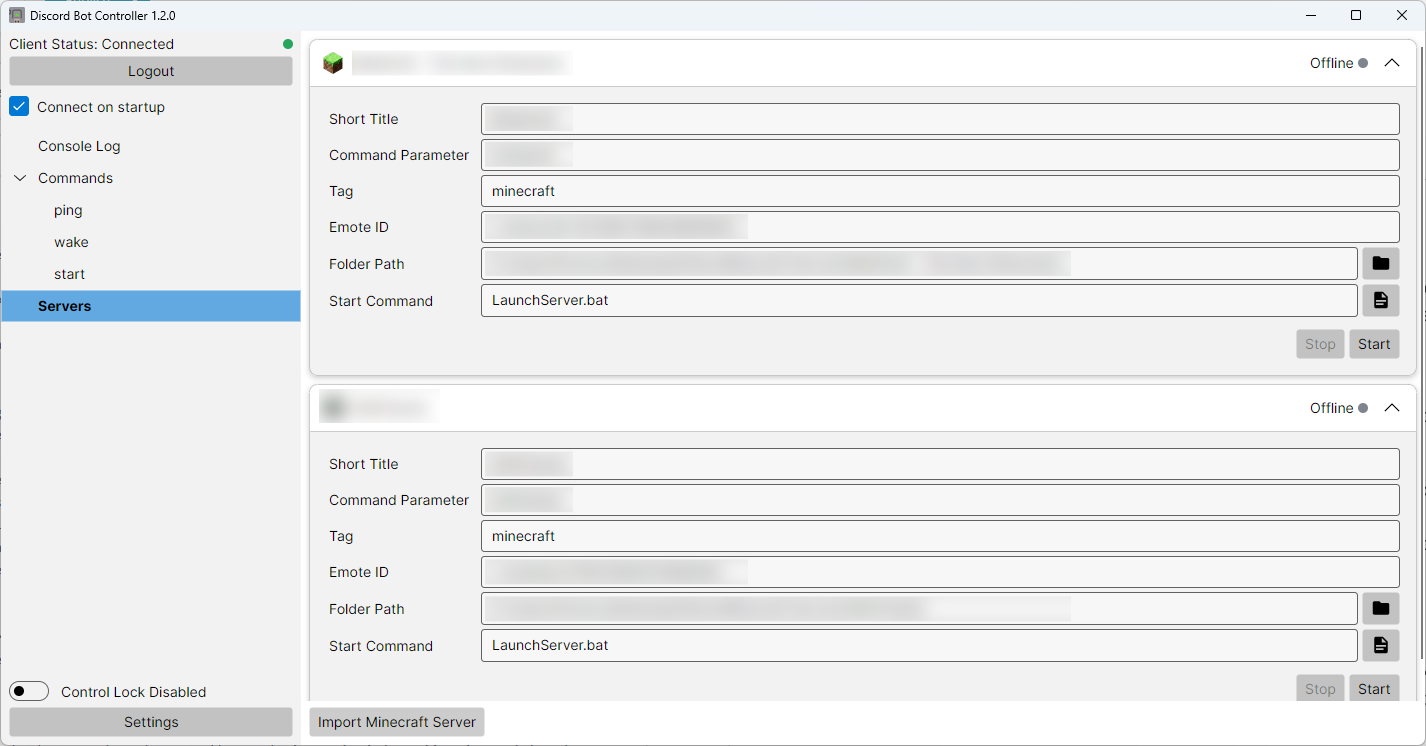
Recently, I had another Minecraft server I wanted to remotely start. This time, I wanted the app’s server management features to be scalable. A new requirement presented itself. And here, the need for a database finally clicked. It made diving into .NET Entity Framework Core and learning SQLite much more digestible, and while it took me a few months, I found more meaning in the learning process.
Server Management Breakdown
The server management system within the app operates at different levels:
- An SQLite Database stores the data for each server, such as the name and icon. No logic is present here.
- A controller is responsible for starting, stopping and monitoring each server. When a server is started, it pulls data from the database in the form of a
ServerDataobject, and creates aServerinstance internally. The instance uses the data in its parameters and contains the actual execution logic, such as opening and running the server’s command file in Windows. - The Avalonia ViewModels and Views provide the front-end for the app, displaying and data-binding information from the database. Real-time data not stored in the database, such as online status, is queried from the controller.
I am particularly happy with the way everything is separated out. Previously the logic and data were coded into a single monolithic class, but now it is separated into different areas for handling data, logic and display. This opens the door for future features, such as handling other types of game servers.
Concluding Thoughts
It was great fun to learn and re-learn software design principles, and in particular, I’m glad I managed to refresh and expand my knowledge of database and Object-Relational Mapping technology in a practical real-world use case. While the app is far from feature-complete, it works now, and it is organised at a level that allows me to grow it further. I still haven’t thought of a better name for it, however.
But that’s not a requirement for me right now.